
KI-Videogenerator für Text, Bilder und Multi-Modell-Workflows
Erstellen Sie Text-, Bild- und Referenzclips mit verfügbaren Seedance-, Veo-, Kling- und Wan-Workflows.
Meet Seedance 2.0
Step into the new era of cinematic AI video creation.
Seedance 2.0 does not accept real human faces as reference inputs, and cannot reliably generate copyrighted characters (celebrities, anime, or film characters).
Cinematic action scene, a compact futuristic speeder with glowing twin thrusters races through narrow stone streets carved into a cliffside city. The camera follows from behind, weaving between sunlit walls as dust and motion blur trail the vehicle through the canyon-like passage.
Examples
1
Seedance 2.5 is live
Generate Seedance 2.5 videos online
Open the dedicated Seedance 2.5 video generator to create 4–30 second videos from prompts, frames, images, video, or audio references at 480p, 720p, or 1080p.
Community Showcase SEEDANCE
Entdecken Sie, was unsere Ersteller mit KI-Videogenerierung schaffen
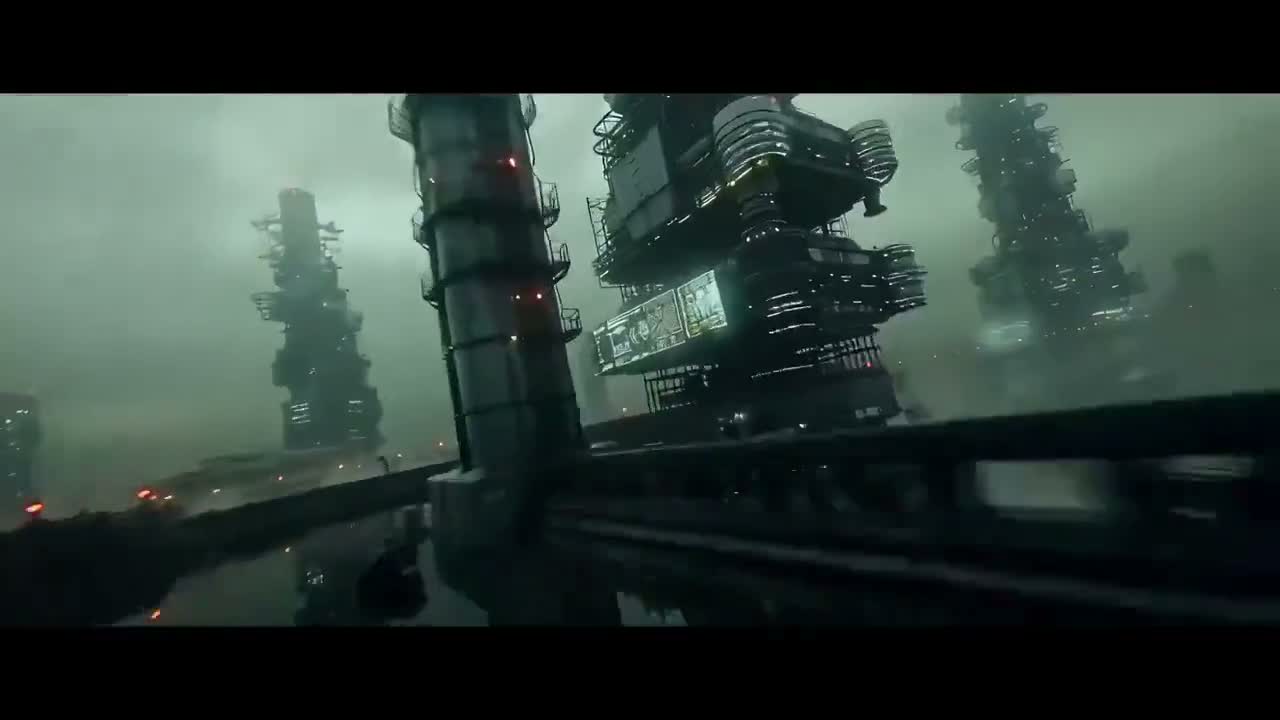
“A dense industrial sci-fi fly-through with towering structures, wet surfaces, and heavy atmospheric haze.”

“A close study of exposed cybernetic anatomy with braided red cables, glowing details, and anime-grade linework.”
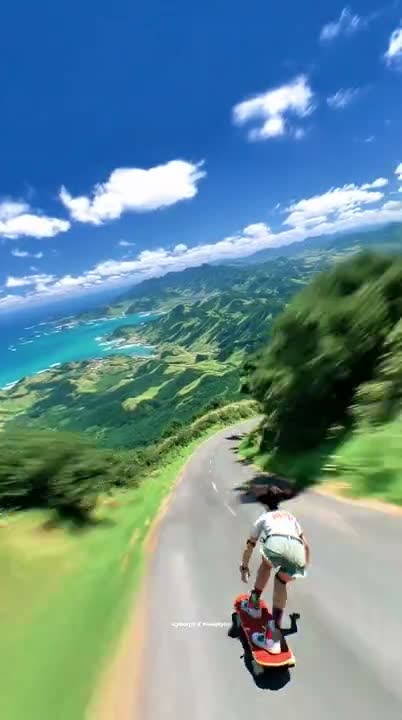
“A downhill longboard run on a tropical mountain road, captured with fast FPV energy and clean speed blur.”

“An anime street sequence in a lantern-lit market, with flowing fabric, wet reflections, and cinematic motion.”
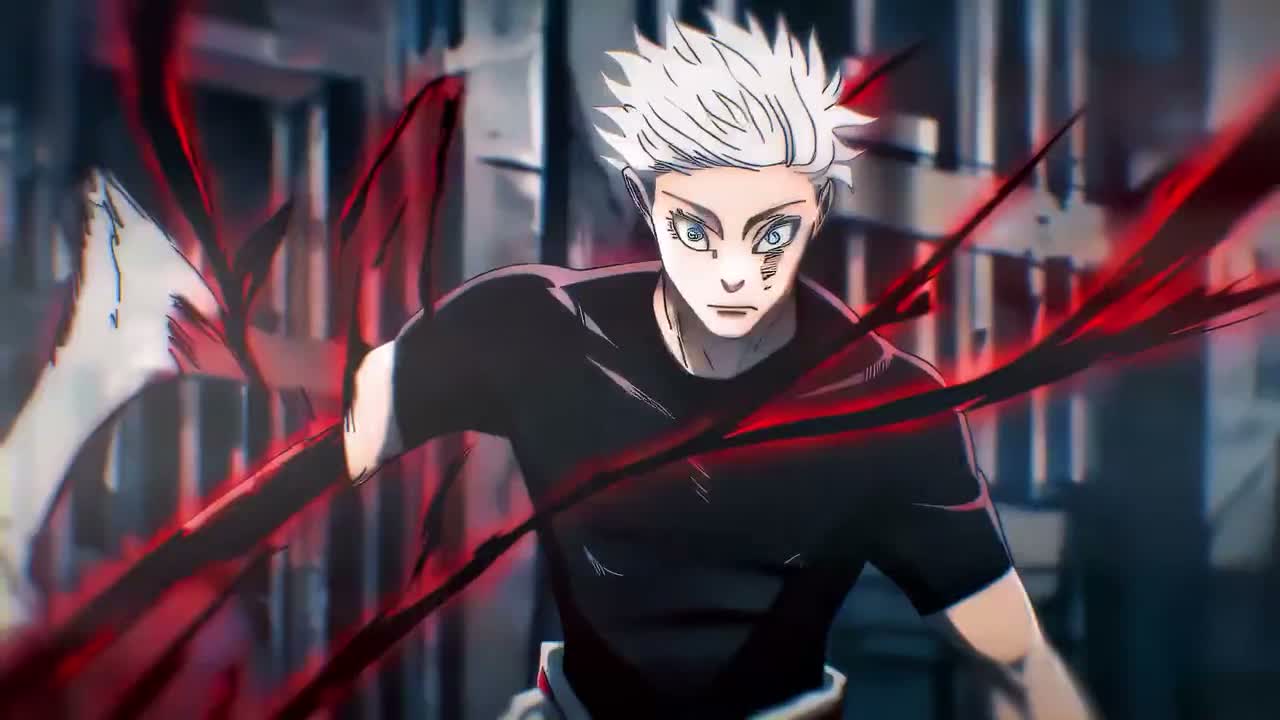
“A stylized anime action shot with aggressive forward motion, sharp contrast, and impact-driven composition.”
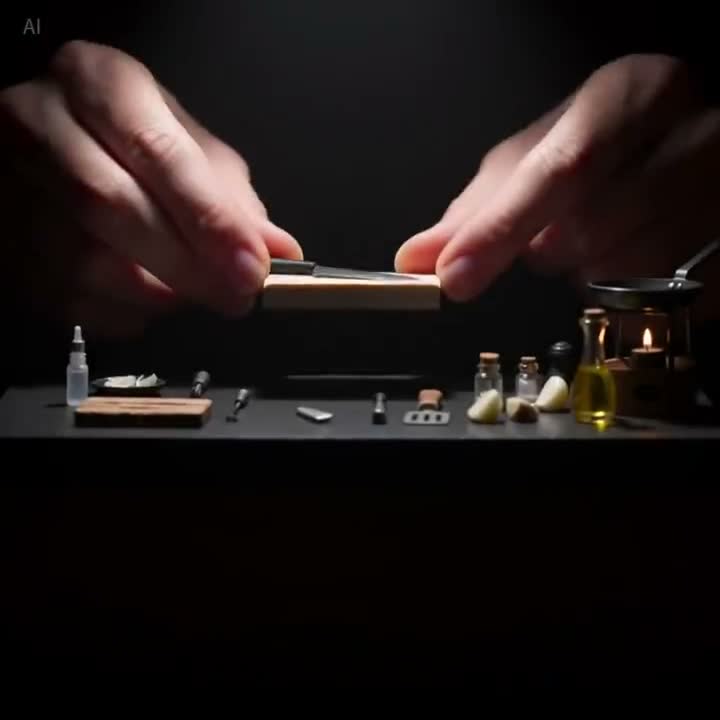
“A handcrafted macro setup focused on small tools, precise hand motion, and premium tabletop lighting.”
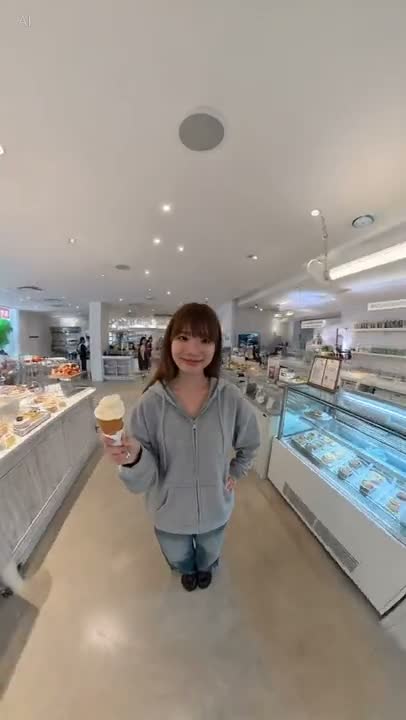
“A natural lifestyle portrait in a bright dessert shop, with casual pose, clean skin tones, and social-video framing.”
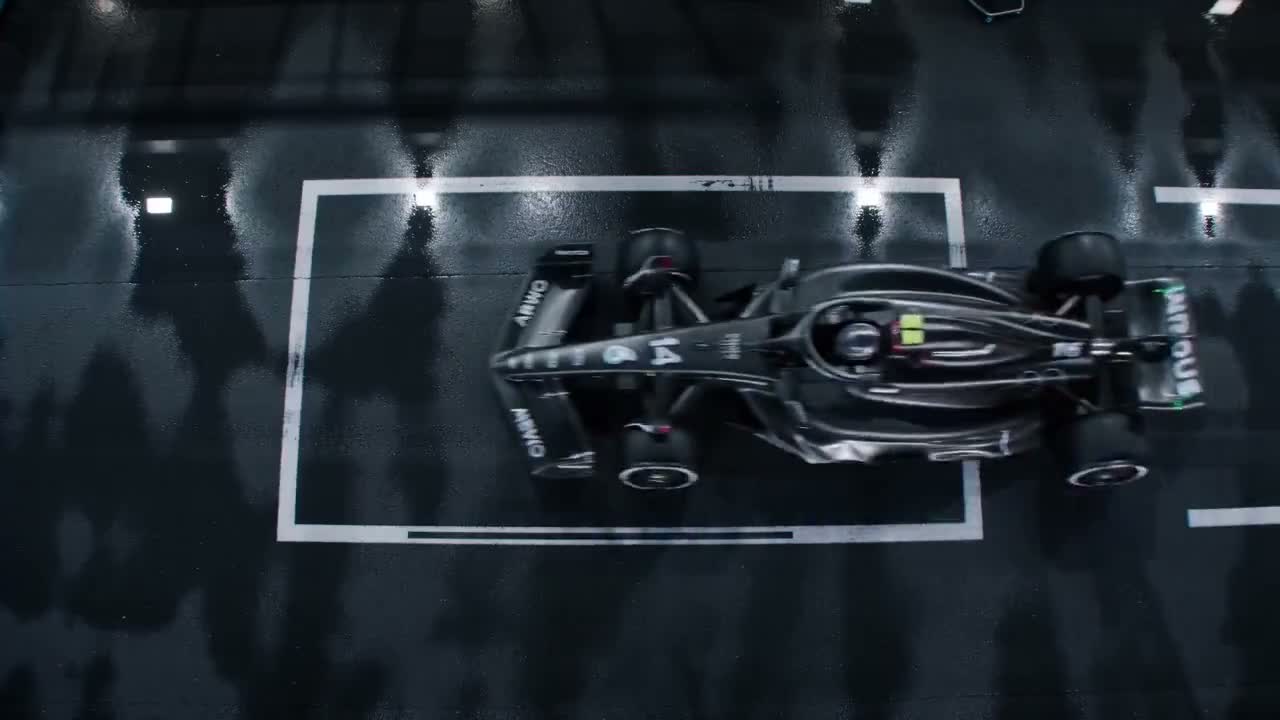
“A top-down Formula racing shot on a wet track with strong reflections, graphic framing, and controlled motion.”
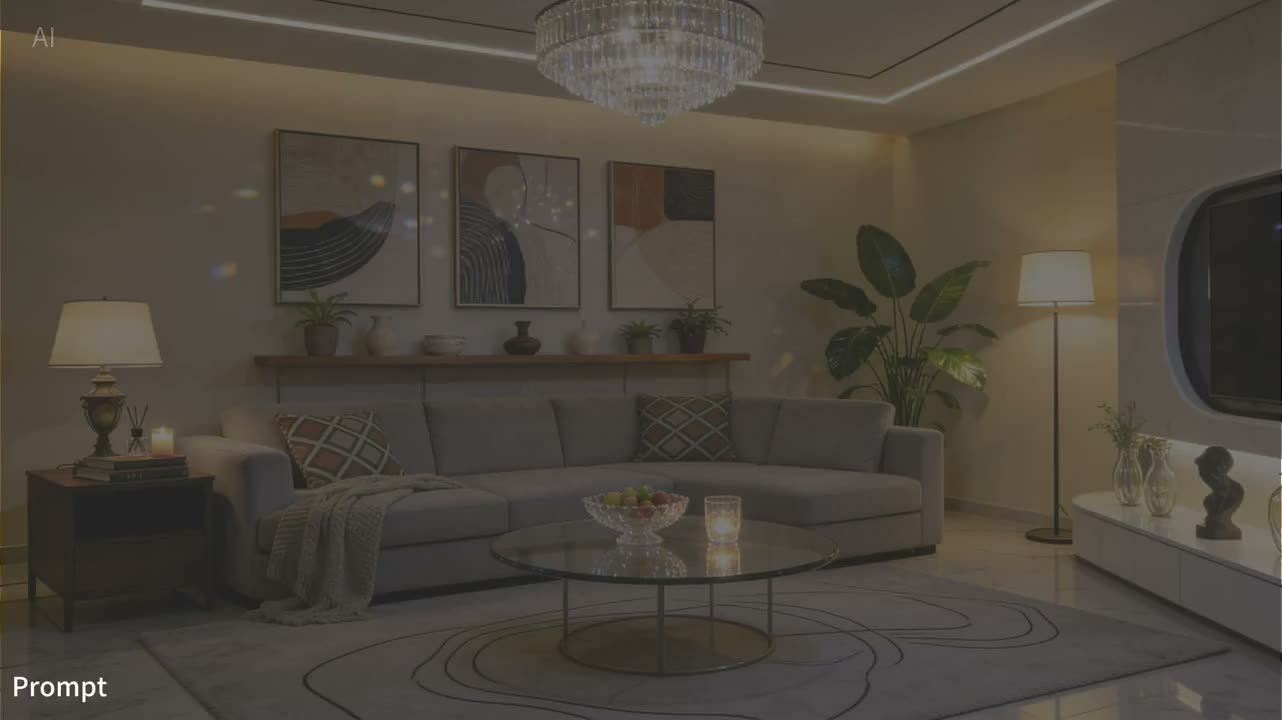
“A luxury interior scene with warm practical lighting, balanced decor, and calm editorial composition.”
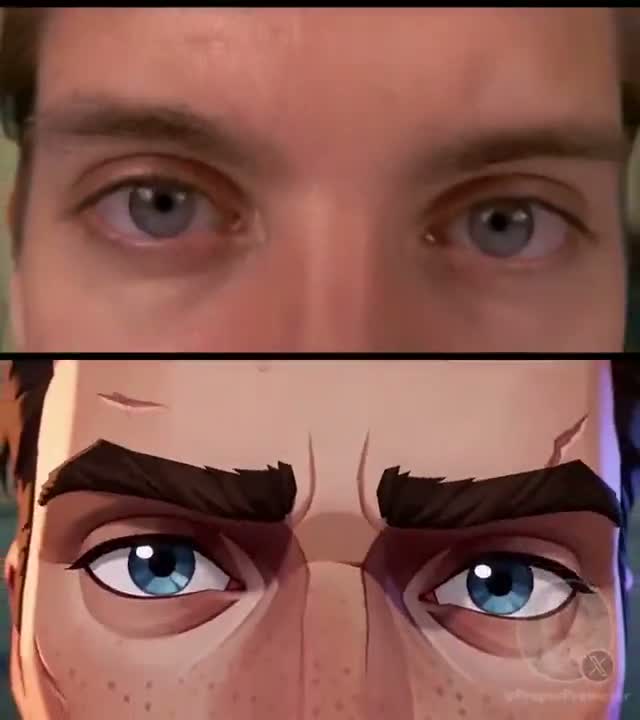
“A split-frame transformation close-up comparing live-action eyes and stylized animated eyes with strong facial continuity.”
Aktuell verfügbare Eingaben, Regler und Grenzen
Text-zu-Video-Regler
Starten Sie mit einem Prompt und wählen Sie vor dem Absenden Seitenverhältnis, Dauer, Auflösung und Anzahl.
Bildgeführte Bewegung
Nutzen Sie ein Quellbild als visuellen Startpunkt und beschreiben Sie Bewegung und Kameraverhalten.
Start- und Endbildführung
Laden Sie ein Startbild oder ein Start-End-Paar hoch, um Anfang und Zielende des Clips zu führen.
Multimodaler Referenzmodus
Er akzeptiert unterstützte Kombinationen aus Bildern, Video und Audio; das Upload-Feld setzt die aktuellen Grenzen durch.
Aktuelle Ausgabegrenzen
Der registrierte Bereich beträgt 4–15 Sekunden bei 480p oder 720p; genaue Optionen hängen vom Modus ab.
Audio als Referenzeingabe
Unterstütztes Audio kann eine Anfrage führen. Automatischer Dialog, perfekte Lippensynchronität oder eine bestimmte Tonspur werden nicht versprochen.
Plan- und Guthabenprüfung
Seedance 2.0 erfordert Creator oder Studio. Die Oberfläche berechnet die Kosten vor dem Absenden.
Vorschau und Verlauf
Verfolgen Sie Anfragen, fertige Medien und Endfehler in den kontogebundenen Bereichen.
HÄUFIGE FRAGEN
Aktuelle Eingaben, Grenzen, Zugänge und Kontobedingungen für Seedance 2.0.