
テキスト・画像・マルチモデル対応のAI動画生成ツール
利用可能なSeedance、Veo、Kling、Wanのワークフローでテキスト、画像、参照からクリップを作成します。
Meet Seedance 2.0
Step into the new era of cinematic AI video creation.
Seedance 2.0 does not accept real human faces as reference inputs, and cannot reliably generate copyrighted characters (celebrities, anime, or film characters).
Cinematic action scene, a compact futuristic speeder with glowing twin thrusters races through narrow stone streets carved into a cliffside city. The camera follows from behind, weaving between sunlit walls as dust and motion blur trail the vehicle through the canyon-like passage.
Examples
1
Seedance 2.5 is live
Generate Seedance 2.5 videos online
Open the dedicated Seedance 2.5 video generator to create 4–30 second videos from prompts, frames, images, video, or audio references at 480p, 720p, or 1080p.
Community Showcase SEEDANCE
See what our creators are building with AI video generation
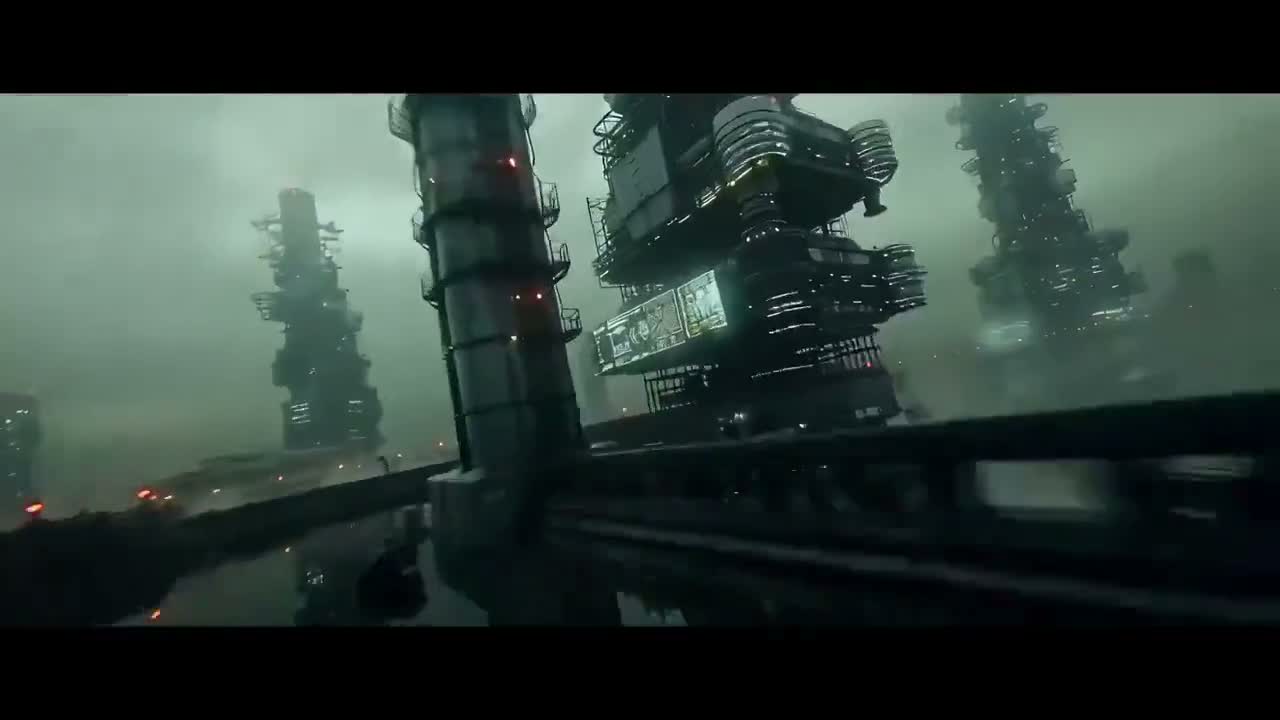
“A dense industrial sci-fi fly-through with towering structures, wet surfaces, and heavy atmospheric haze.”
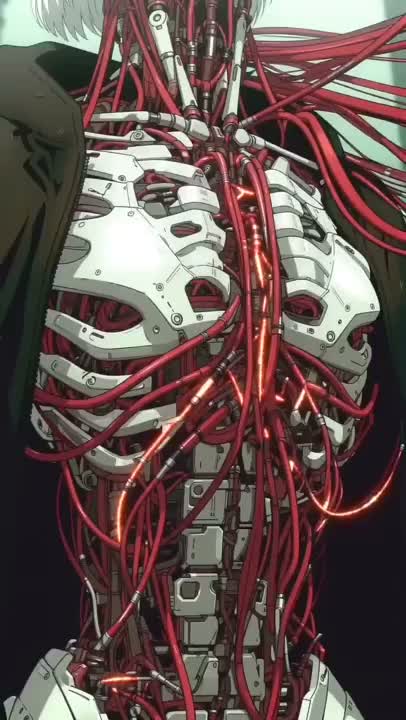
“A close study of exposed cybernetic anatomy with braided red cables, glowing details, and anime-grade linework.”
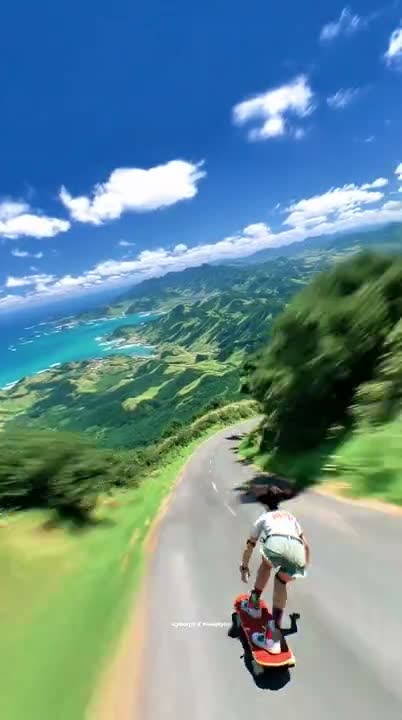
“A downhill longboard run on a tropical mountain road, captured with fast FPV energy and clean speed blur.”
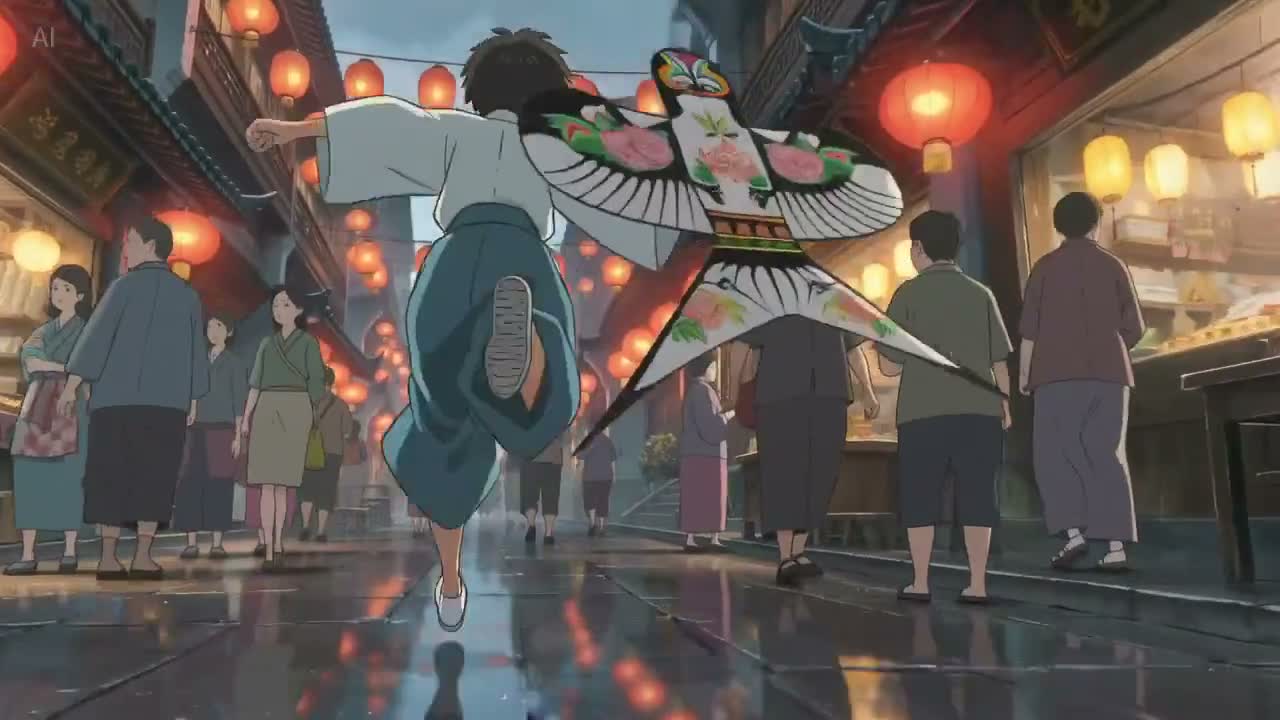
“An anime street sequence in a lantern-lit market, with flowing fabric, wet reflections, and cinematic motion.”
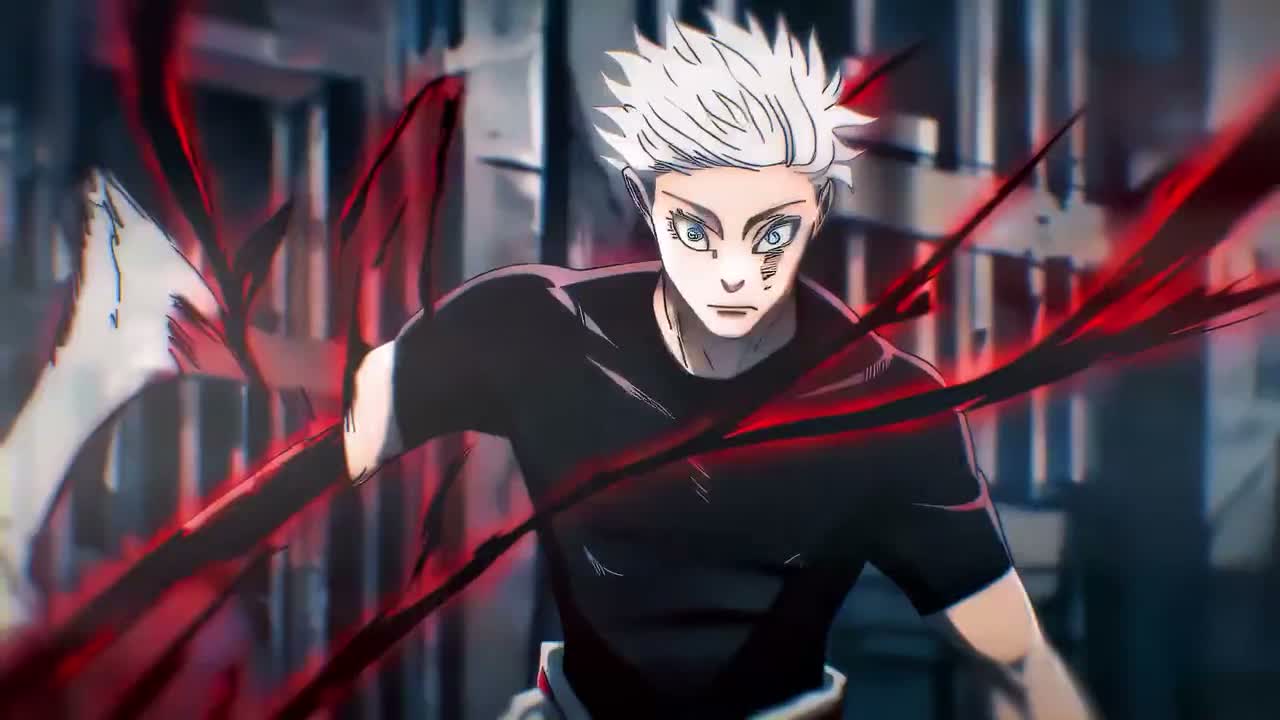
“A stylized anime action shot with aggressive forward motion, sharp contrast, and impact-driven composition.”
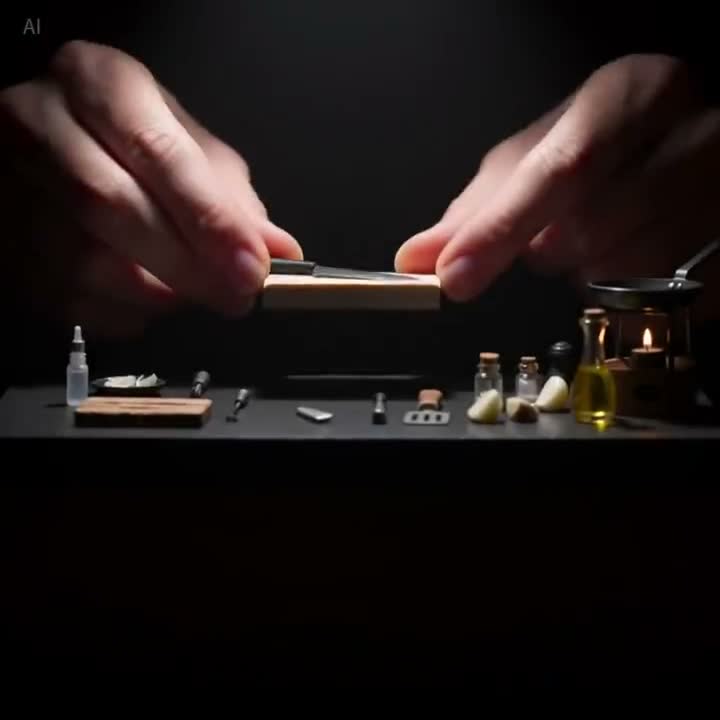
“A handcrafted macro setup focused on small tools, precise hand motion, and premium tabletop lighting.”
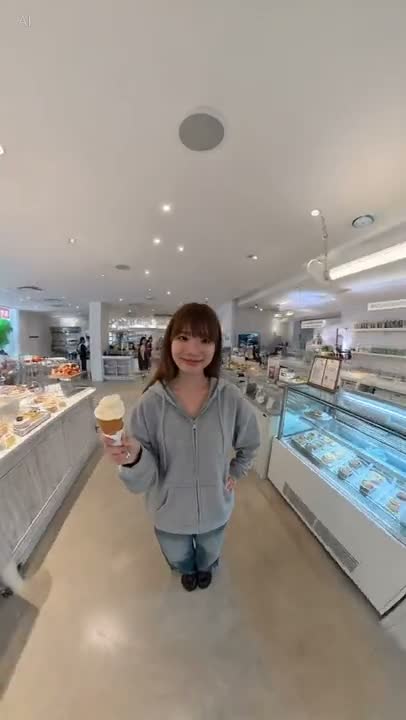
“A natural lifestyle portrait in a bright dessert shop, with casual pose, clean skin tones, and social-video framing.”
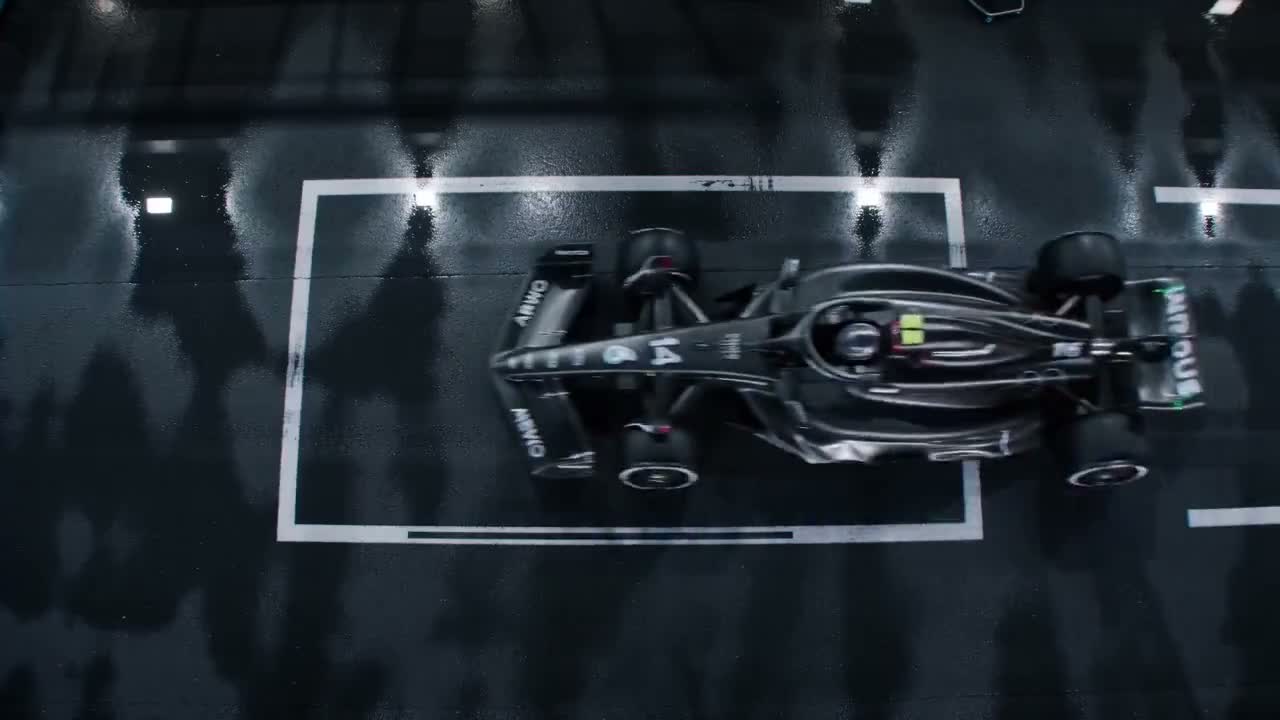
“A top-down Formula racing shot on a wet track with strong reflections, graphic framing, and controlled motion.”
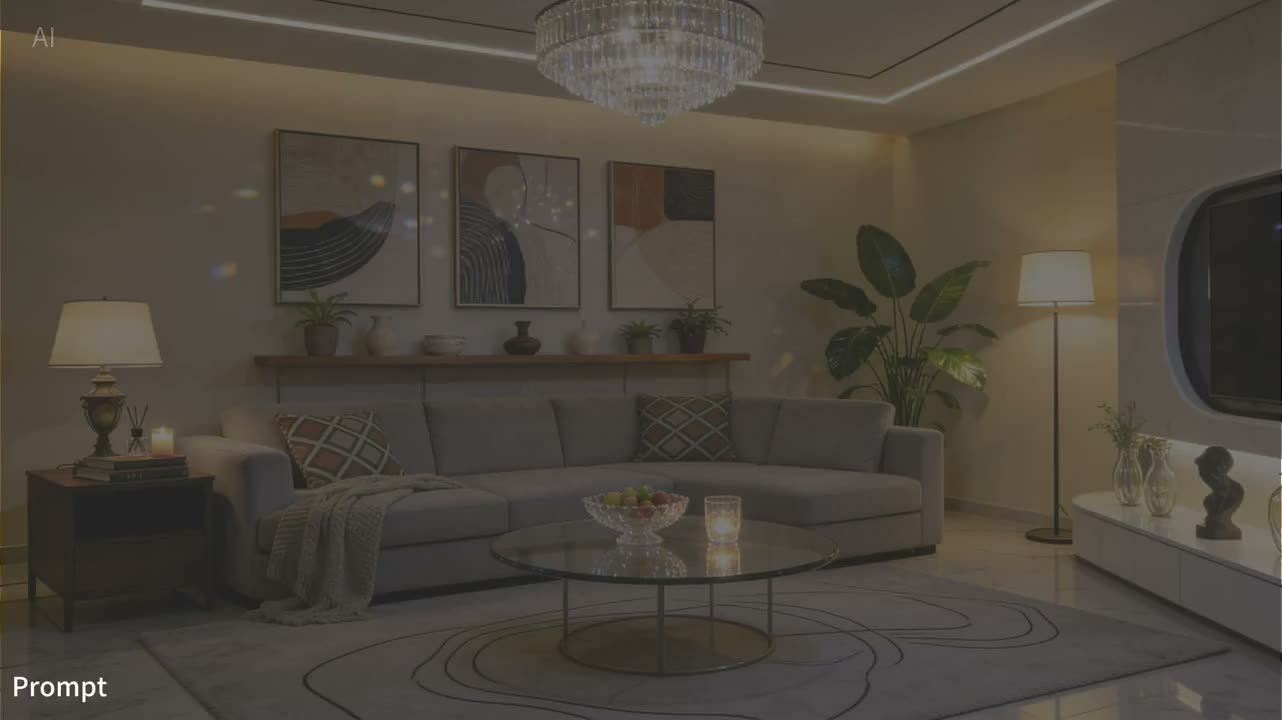
“A luxury interior scene with warm practical lighting, balanced decor, and calm editorial composition.”
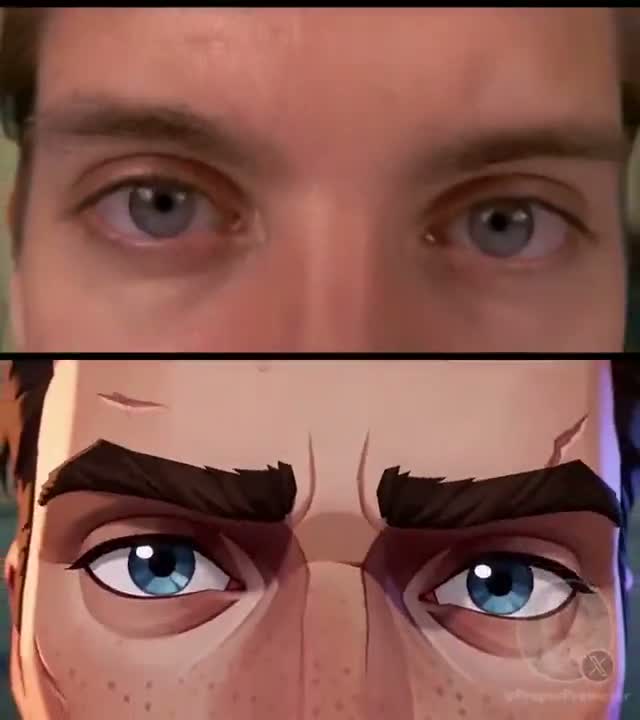
“A split-frame transformation close-up comparing live-action eyes and stylized animated eyes with strong facial continuity.”
このワークスペースで現在利用できる入力、設定、制限
テキストから動画の設定
プロンプトから始め、送信前に表示される比率、時間、解像度、出力数を選択します。
画像を起点にした動き
元画像を視覚的な開始点にし、必要な動きとカメラ挙動を記述します。
開始・終了フレームのガイド
開始フレーム、または開始と終了の組を指定して、クリップの冒頭と目標の終わりを導きます。
マルチモーダル参照モード
対応する画像、動画、音声の組み合わせを受け付け、アップロード欄が現在の上限を適用します。
現在の出力上限
登録済みの範囲は4〜15秒、480pまたは720pです。正確な選択肢はモードごとに表示されます。
参照入力としての音声
対応音声は参照に使えますが、自動会話、完全なリップシンク、特定の音声出力は保証しません。
プランとクレジット確認
Seedance 2.0にはCreatorまたはStudioが必要です。送信前に設定からコストを計算します。
プレビューと履歴
アカウントに紐づくパネルで、送信、完了メディア、最終エラーを確認できます。
よくある 質問
Seedance 2.0の現在の入力、上限、アクセス条件、アカウント条件。