
AI Video Generator for Text, Images, and Multi-Model Workflows
Create text-to-video, image-to-video, and reference-based clips with available Seedance, Veo, Kling, and Wan workflows.
Meet Seedance 2.0
Step into the new era of cinematic AI video creation.
Seedance 2.0 does not accept real human faces as reference inputs, and cannot reliably generate copyrighted characters (celebrities, anime, or film characters).
Cinematic action scene, a compact futuristic speeder with glowing twin thrusters races through narrow stone streets carved into a cliffside city. The camera follows from behind, weaving between sunlit walls as dust and motion blur trail the vehicle through the canyon-like passage.
Examples
1
Seedance 2.5 is live
Generate Seedance 2.5 videos online
Open the dedicated Seedance 2.5 video generator to create 4–30 second videos from prompts, frames, images, video, or audio references at 480p, 720p, or 1080p.
Community Showcase SEEDANCE
See what our creators are building with AI video generation
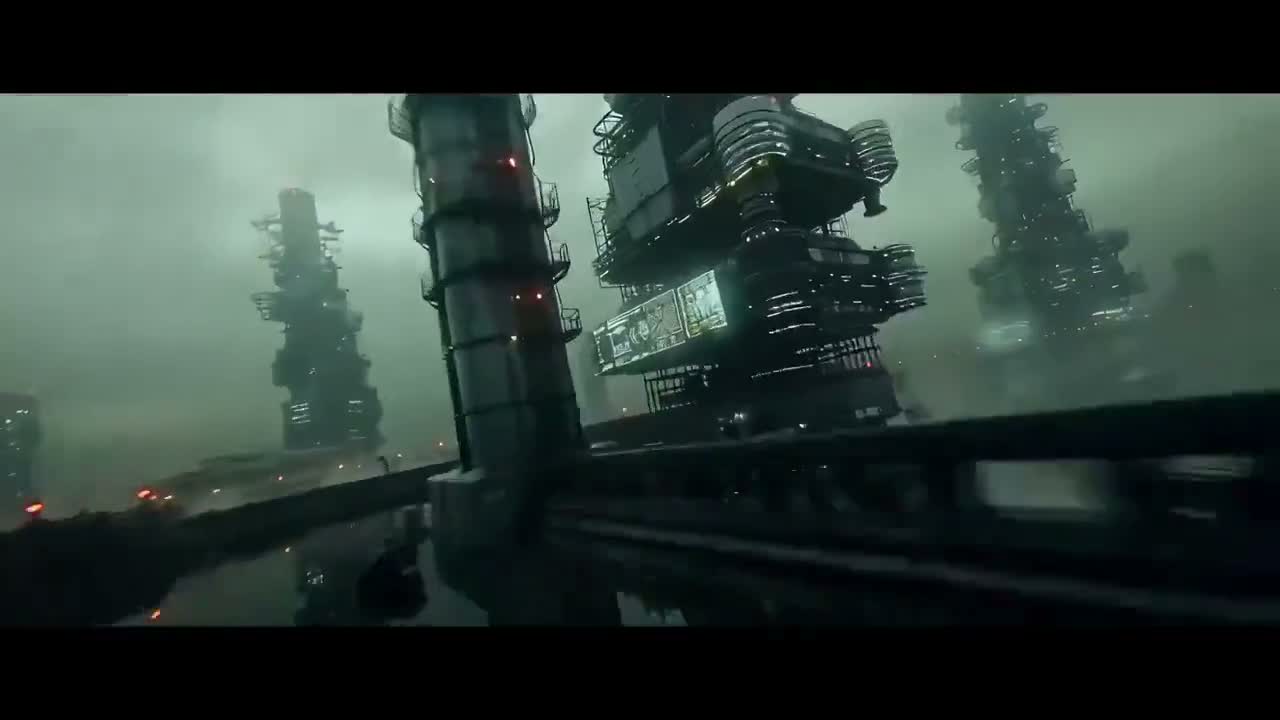
“A dense industrial sci-fi fly-through with towering structures, wet surfaces, and heavy atmospheric haze.”

“A close study of exposed cybernetic anatomy with braided red cables, glowing details, and anime-grade linework.”
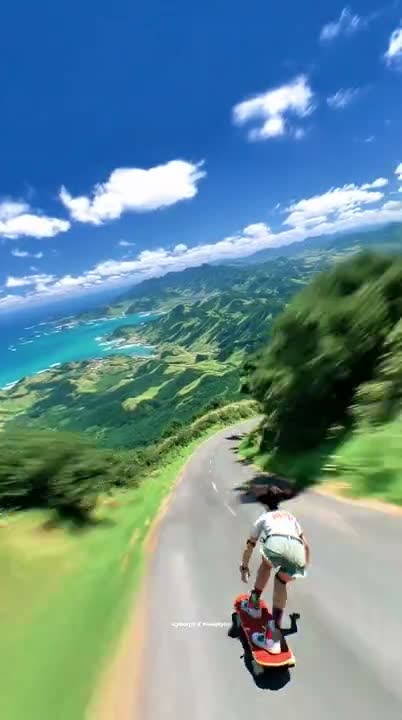
“A downhill longboard run on a tropical mountain road, captured with fast FPV energy and clean speed blur.”
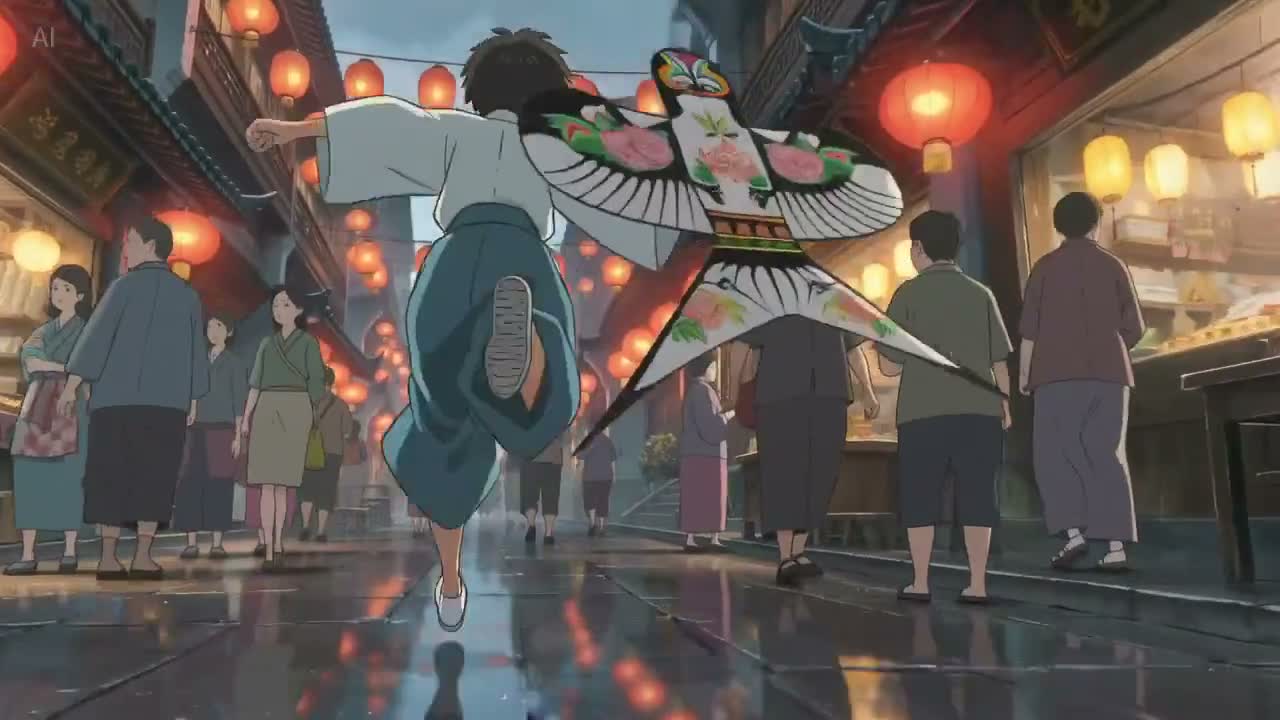
“An anime street sequence in a lantern-lit market, with flowing fabric, wet reflections, and cinematic motion.”
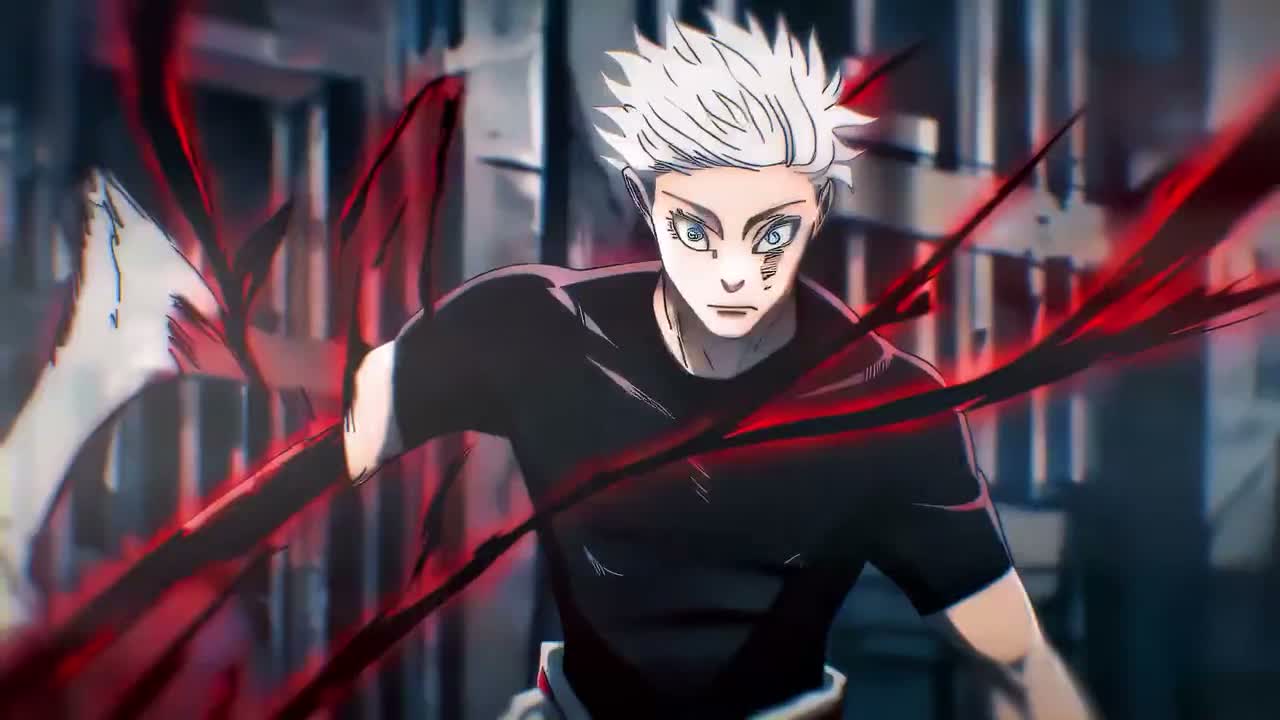
“A stylized anime action shot with aggressive forward motion, sharp contrast, and impact-driven composition.”

“A handcrafted macro setup focused on small tools, precise hand motion, and premium tabletop lighting.”
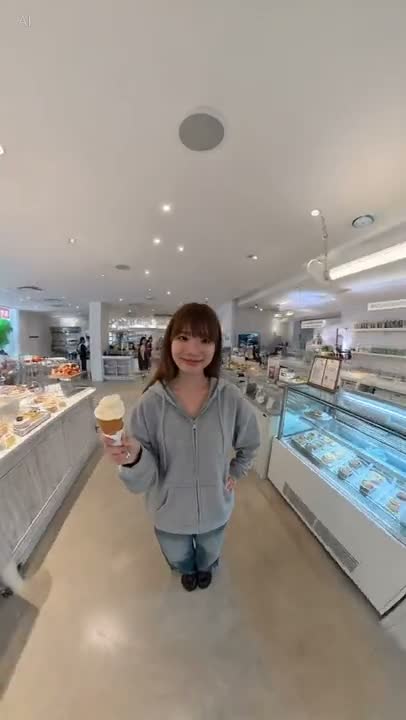
“A natural lifestyle portrait in a bright dessert shop, with casual pose, clean skin tones, and social-video framing.”
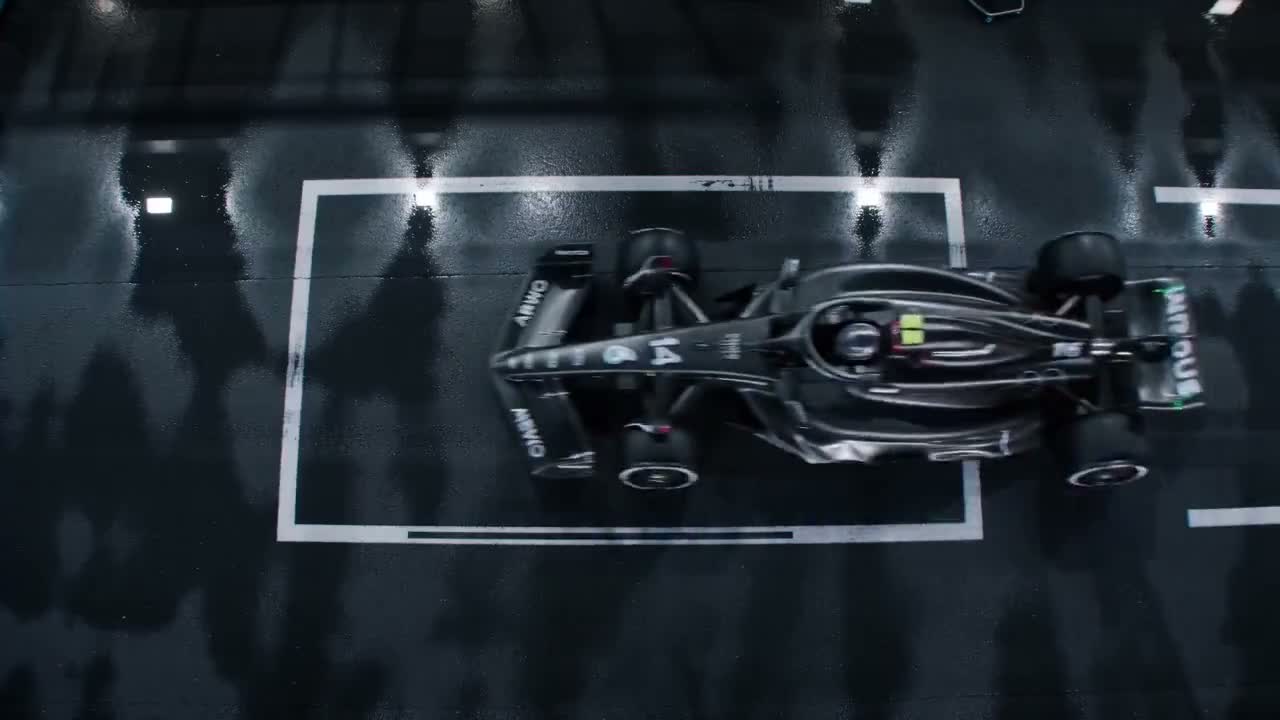
“A top-down Formula racing shot on a wet track with strong reflections, graphic framing, and controlled motion.”
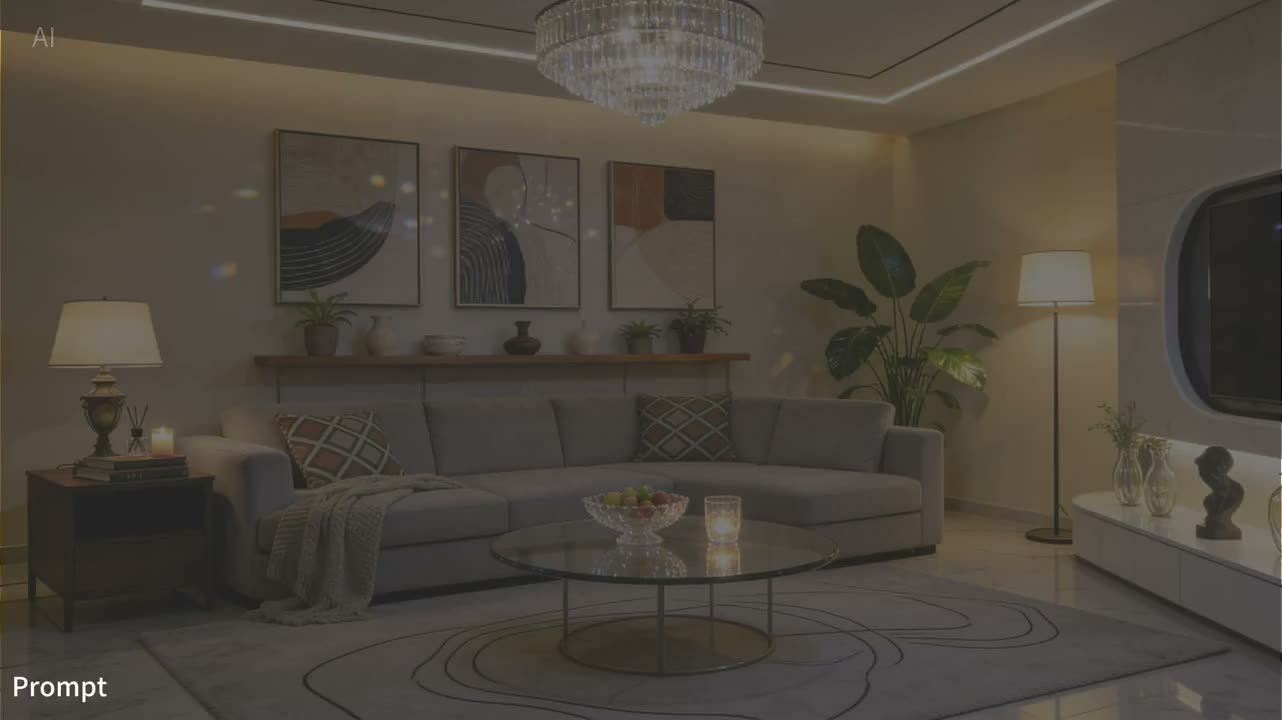
“A luxury interior scene with warm practical lighting, balanced decor, and calm editorial composition.”
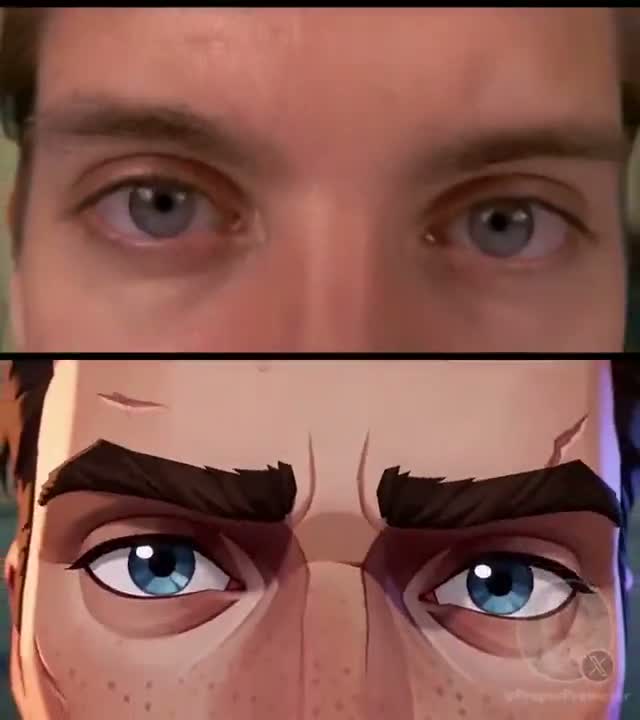
“A split-frame transformation close-up comparing live-action eyes and stylized animated eyes with strong facial continuity.”
Current inputs, controls, and limits available in this workspace
Text-to-Video Controls
Start from a prompt and choose the aspect ratio, duration, resolution, and output count shown in the generator before submitting.
Image-Led Motion
Use a source image as the visual starting point for an image-to-video request, then describe the motion and camera behavior you want.
First and Last Frame Guidance
Provide a first frame or a first-and-last-frame pair to guide the opening composition and target ending of a clip.
Multimodal Reference Mode
Reference mode accepts supported combinations of images, video, and audio files. The upload panel enforces the current file and slot limits.
Current Output Limits
The registered Seedance 2.0 capability range is 4–15 seconds at 480p or 720p. The generator shows the exact options available for the selected mode.
Audio as a Reference Input
Supported audio files can guide a multimodal reference request. This page does not promise automatic dialogue, perfect lip-sync, or a particular output soundtrack.
Plan and Credit Checks
Seedance 2.0 requires a Creator or Studio plan. The interface calculates the credit cost from the selected mode, duration, resolution, and output count before submission.
Preview and History
Track submitted generations in the preview and history panels, where completed media and terminal errors are tied to your account.
FREQUENTLY ASKED QUESTIONS
Current Seedance 2.0 inputs, limits, access, and account terms.